See every design decision before you spend on it.

Upload one photo. Vizahome redesigns your real room — walls, windows, and daylight stay exactly where they are.

Lock the structureDeclutter the roomMatch a Pinterest lookTry a new style
Start 3 free designs

No credit card required. Full AI quality, watermarked previews.

15+
design styles
10
room types
~30s
per design

Design Canvas

Structural Lock: ONStyle: Warm Modern
Redesigned living room preview

✦Structure stays fixed — walls, windows, ceiling lines.

Describe what you want to change…➤

Or try a sample photo

MAKE YOUR 3 FREE DESIGNS COUNT

Not to browse. To decide.

The moments where guessing costs money.

Will this style actually work in my living room?
Show my exact room in warm modern — keep the layout.
Can I compare two directions side by side?
Same room, two styles, one slider.
What if the room is too messy to photograph?
Declutter it digitally first, then redesign.

Decide first. Buy once. No regrets.

Start deciding — 3 free designs

No card. No commitment.

Room redesign comparison
ORIGINALREIMAGINED

FOR HOMEOWNERS

One photo in. Three design directions out.

Every direction keeps your room's bones — structure, windows, daylight — and changes only what you ask for.

  • Your room photo
  • Style: Warm Modern
  • Budget feel: Mid-range
“I want it cozy, not sterile.”
Fastest

Essential

Light refresh, quick wins

Best match

Signature

Full restyle, balanced moves

Designer feel

Statement

Premium materials, bold choices

“Swap the rug, keep everything else.”
Refine it
Try it on your own room

3 free designs. No card required.

FOR REAL ESTATE PROFESSIONALS

Turn raw listing photos into a staged gallery

Upload the listing set. Vizahome stages empty rooms, clears clutter, and keeps every wall exactly where it was.

Virtual stagingDeclutteringStructure lockedHigh-res downloads
Stage your first listing free

3 free designs. No card required.

  1. 1
    Upload the set
  2. 2
    Rooms staged & cleared
  3. 3
    Review each result
  4. 4
    Download listing-ready

How it works

From photo to decision in four steps

Upload a photo, say what you want, refine round by round — the AI follows your intent, not a preset filter.

  1. 01

    Start with the room as it is

    Your real photo, not a blank canvas.

  2. 02

    Say what you want

    A style, a mood, or one sentence — the AI designs toward your goal.

    “Stage this for maximum online appeal — clean, warm, not flashy.”
  3. 03

    Refine with intent

    Every round builds on the last. Change the sofa, keep everything else.

    “Swap the wall art and chair to match the bedding.”
  4. 04

    Compare and decide

    Original and reimagined, side by side. Download when it's right.

    ORIGINAL / REIMAGINED

Built to be used, not just tried

Designs worth downloading

Every output starts from your real room — so the result is something you can act on, not just admire.

“I showed my contractor exactly what I meant. The back-and-forth disappeared.”
Homeowner
“Buyers walked in already loving the place. The staged photos did that.”
Real Estate Agent
“Clients pick a direction in one meeting instead of five.”
Interior Designer

Real rooms. Real decisions.

See what a single photo becomes

Before-and-after pairs from real workflows — hover any card to compare.

Modern Living Room — Empty to Staged

“Stage this empty living room for a real estate listing: add a warm modern sofa, coffee table, rug, floor lamp and framed art. Photorealistic. Keep walls, windows, doors, ceiling lines and camera angle exactly unchanged.”

“Staged the whole listing in an afternoon.”

Real Estate Agent

Use this style →

Contemporary Living Room — Decluttered

“Remove all clutter, small objects and personal items from this room. Make it look clean, open and tidy. Photorealistic. Keep walls, windows, doors, ceiling lines and camera angle exactly unchanged.”

“Finally showed my family what "less stuff" looks like.”

Homeowner

Use this style →

Farmhouse Kitchen — Light Wood & Sage

“Restyle this kitchen with light wood cabinets and soft sage-green walls. Keep the exact layout and appliances. Photorealistic. Keep walls, windows, doors, ceiling lines and camera angle exactly unchanged.”

“Tested six cabinet colors before ordering.”

Homeowner

Use this style →

Traditional Front Yard — Curb Appeal Refresh

“Refresh this front yard with low-maintenance plants, flowers and a clean stone path. Keep the house unchanged. Photorealistic. Keep walls, windows, doors, ceiling lines and camera angle exactly unchanged.”

“Convinced my partner to redo the garden.”

Homeowner

Use this style →

Minimalist Bedroom — Repurposed to Office

“Turn this bedroom into a functional home office with a desk, chair, shelving and task lighting. Keep the architecture unchanged. Photorealistic. Keep walls, windows, doors, ceiling lines and camera angle exactly unchanged.”

“Knew where the desk goes before buying it.”

Remote Worker

Use this style →

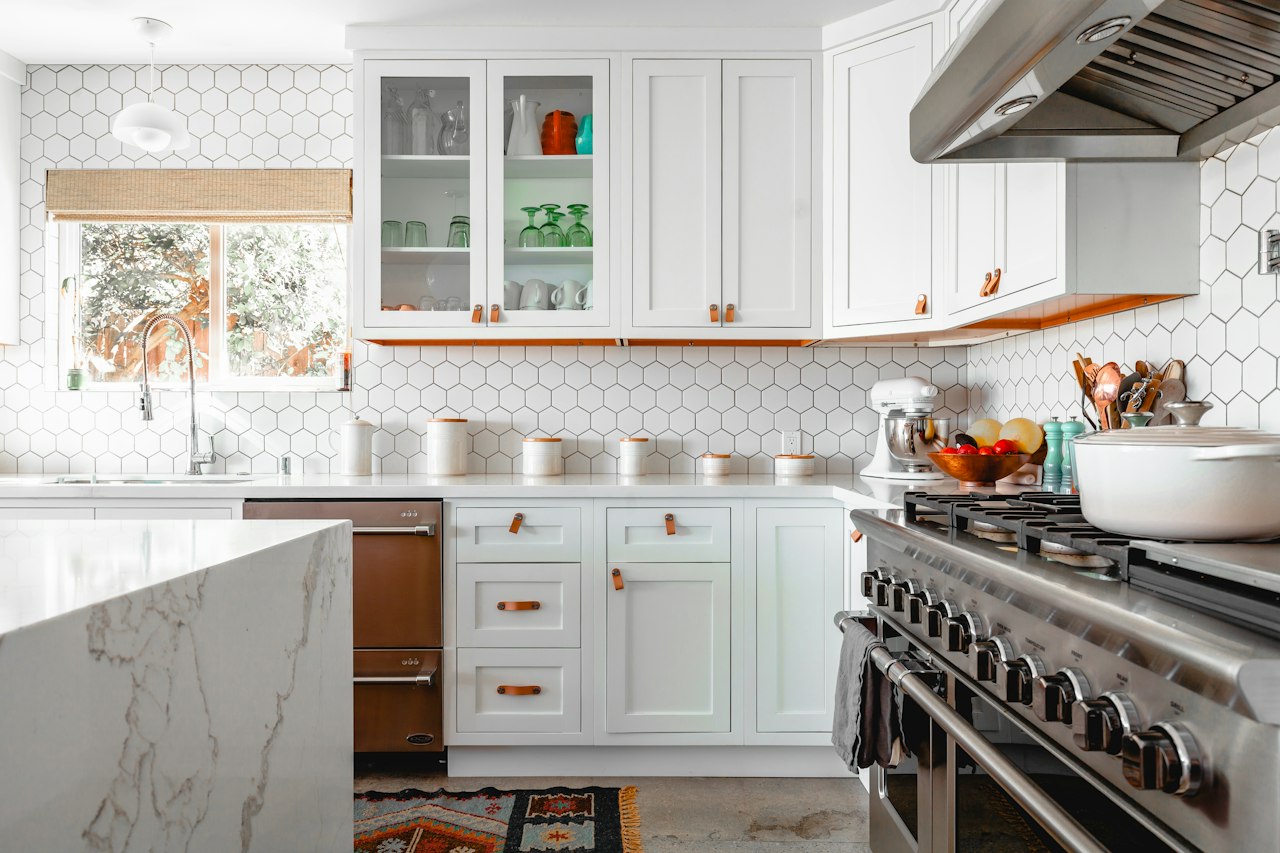
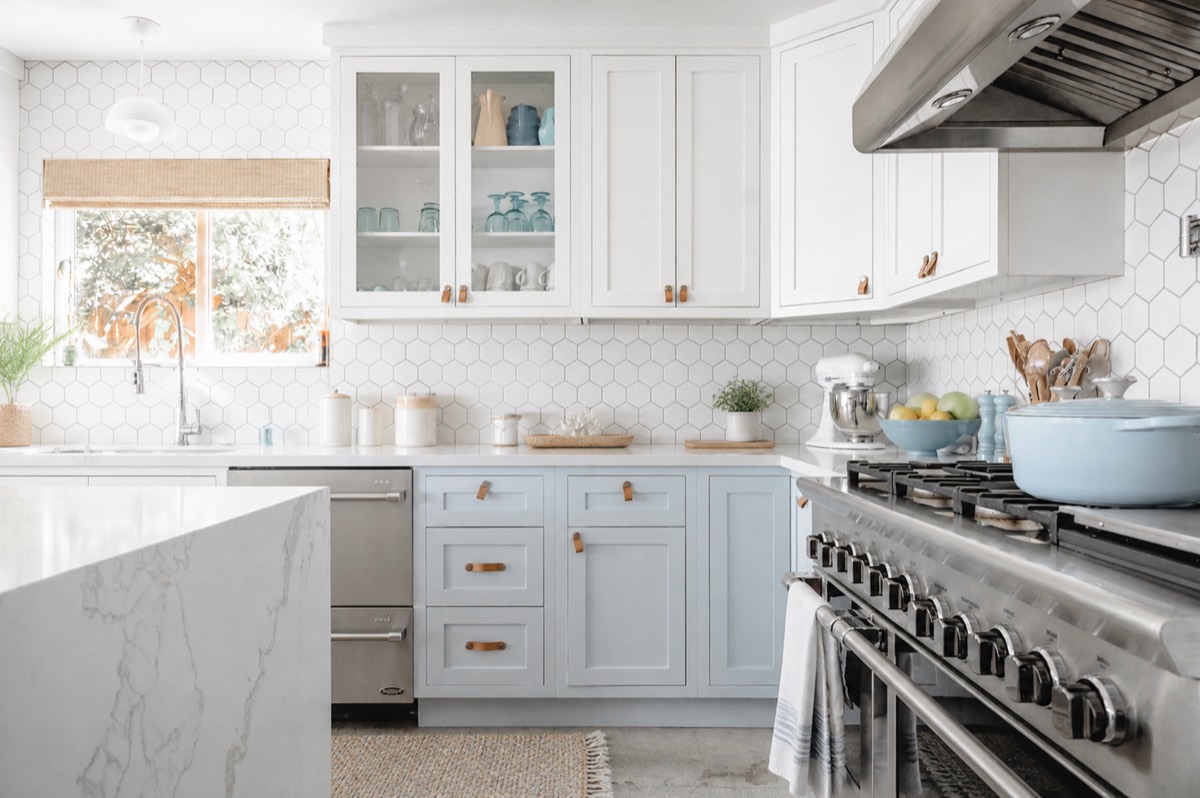
Coastal Kitchen — Bright Style Change

“Give this kitchen a bright coastal feel: white and pale blue palette, natural textures, airy light. Keep the exact layout. Photorealistic. Keep walls, windows, doors, ceiling lines and camera angle exactly unchanged.”

“Perfect for testing lighting and color.”

Interior Decorator

Use this style →

Modern Bathroom — Clean High-End Remodel

“Renovate this bathroom into a refined modern space: clean lines, calm neutral palette, high-end fixtures. Keep the layout. Photorealistic. Keep walls, windows, doors, ceiling lines and camera angle exactly unchanged.”

“Saved weeks of back-and-forth.”

Renovation Contractor

Use this style →

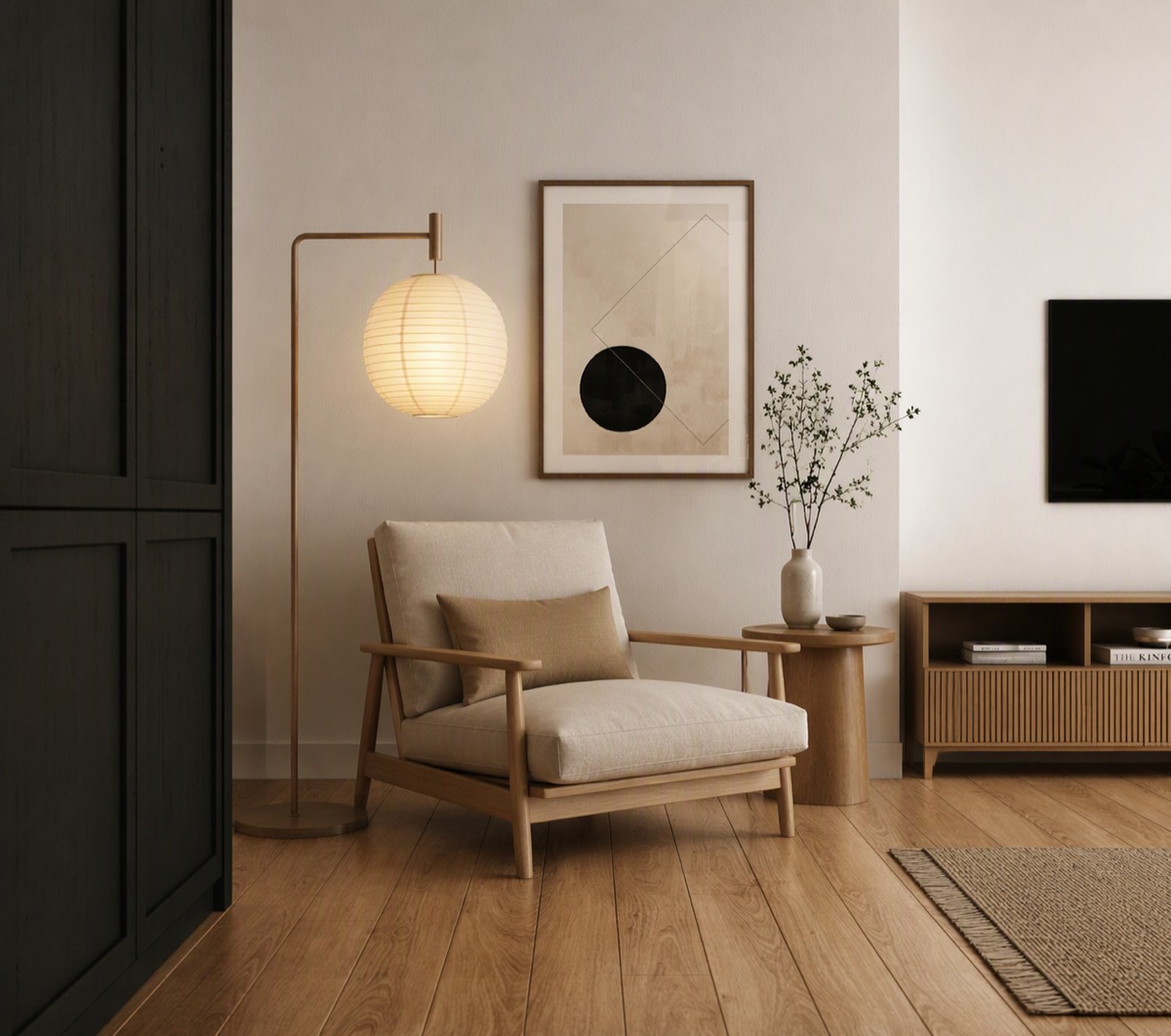
Japandi Living Room — Moodboard Match

“Redesign this living room in a warm japandi style: low wood furniture, linen textiles, muted earth tones, paper lantern lighting. Keep the layout. Photorealistic. Keep walls, windows, doors, ceiling lines and camera angle exactly unchanged.”

“Options without endless revisions.”

Interior Designer

Use this style →

Scroll to explore • Hover to compare before and after

Start free. Upgrade when it earns its place.

Most people test one real decision first. Upgrade when the workflow becomes part of how you work.

Decision Mode

Free — to explore and decide

  • 3 designs
  • No card required
  • Full AI quality
  • Watermarked downloads
  • ✓Test a real decision you're facing
  • ✓Experience the full workflow end to end
  • ✓See if the outputs hold up

Execution Mode

Project packs — when it becomes real

  • $9 / 20 designs
  • $19 / 60 designs
  • Clean, watermark-free downloads
  • Generation history
  • ✓One room becomes the whole home
  • ✓You need clean images to share or list
  • ✓The workflow saves more than it costs
See full pricing & plans

No credit card required · Cancel anytime · Upgrade only when it proves useful

Questions answered

Last doubts, removed fast.

No. Every design starts from your real room photo and keeps its structure, so the result is a decision aid — not a random pretty picture.

No. Structural lock is on by default: walls, windows, doors, and ceiling lines stay fixed. Only furniture, finishes, lighting, and decor change.

Each design costs real compute. The watermark keeps the free tier sustainable — upgrade to any project pack for clean, high-resolution downloads.

Nothing unexpected. Review your results, then decide. Project packs start at $9 for 20 designs — no subscription required.

No. Start with 3 free designs. A card is only needed if you choose to upgrade.

Yes — paid project packs include commercial use for listings, client work, and marketing. Free watermarked outputs are for personal evaluation.

Daylight, a wide angle, and a straight-on view. Messy rooms are fine — the declutter pass handles that first.

Around 30 seconds per design, depending on queue. Refinements are faster because they build on the last round.

Your room's next look is one photo away.

3 free designs. Same AI as paid. No card required.

Start my 3 free designs

Built for renovations, listings, and client work — not preset filters.