Living rooms
Compare coordinated seating, tables, rugs, lighting, artwork, and decor while keeping the room's fixed features visible in your brief.
AI home design
Upload a room photo, explore 18 interior styles, and compare polished AI home design ideas before you buy furniture or renovate. Start with 3 free designs.
Start 3 free designsNo credit card required. Full AI quality on your free designs.
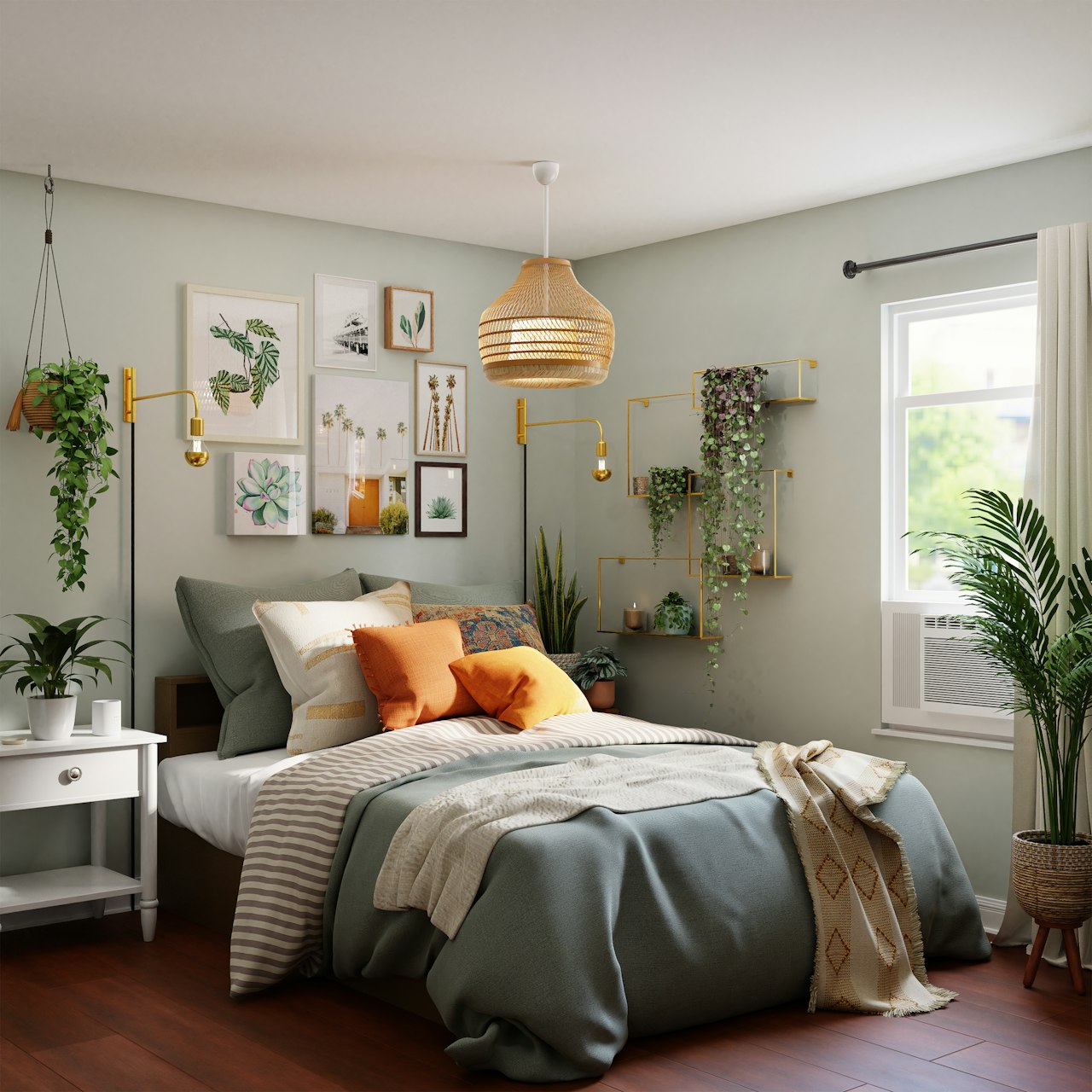
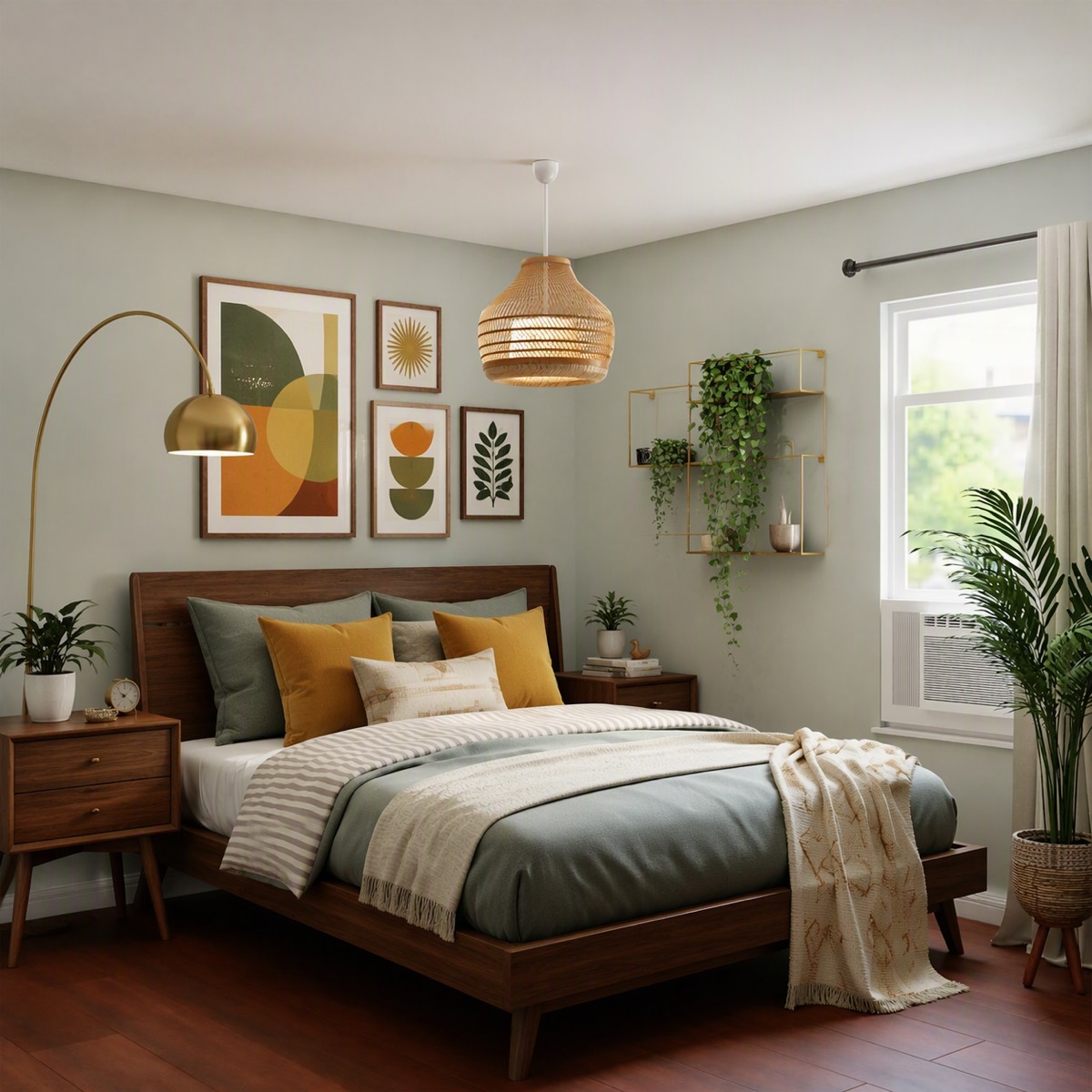
AI-generated product example. Review the architecture and every detail before using the result.
AI home design uses a photograph of your existing space as the starting point for a new visual direction. Instead of browsing rooms that only resemble yours, you can evaluate furniture, materials, lighting, and decor in the context of your own walls, windows, and layout.
Vizahome is designed for homeowners who want to make clearer decorating decisions. Try a complete look, preserve pieces you already own, or refine one detail at a time. Each version is a visualization rather than a measured construction plan, so you can explore freely before committing to a purchase or renovation.
Compare coordinated seating, tables, rugs, lighting, artwork, and decor while keeping the room's fixed features visible in your brief.
Preview calmer palettes, new bedding, bedside furniture, lamps, and textures without replacing everything at once.
Explore cabinet finishes, surfaces, dining furniture, lighting, and styling before speaking with a contractor or supplier.
Use the same style across individual room photos to build a more coherent home, one space and one saved version at a time.
Use a clear, well-lit photo that shows the fixed features and furniture you want to consider.
Select one of 18 detailed style modules or describe your own furniture, palette, material, and lighting choices.
Review the before and after, generate other styles from the original, and refine the direction you prefer.
“Keep the room layout and fixed features. Create a cohesive warm contemporary home design with natural wood, tailored upholstery, layered lighting, tactile textiles, and restrained decor. Preserve practical circulation and realistic proportions.”
Use this as a starting point, then customize it for your room and the pieces you want to preserve.
Start with a complete style brief, then compare alternatives from the same original photo instead of relying on unrelated inspiration images.
Notes / Answers
Clear answers about photos, free designs, comparisons, and using AI visualizations.
Vizahome works one uploaded room photo at a time. You can reuse a style direction across several rooms and keep the saved versions together for comparison.
No. A clear photo of a furnished room is enough. You can ask to preserve selected furniture and fixed features, and no floor-plan software is required.
Registration includes 3 free designs with no credit card required. Free downloads are watermarked previews; paid plans remove watermarks while the subscription is active.
No. Results are visual concepts, not measured drawings or structural plans. Confirm dimensions, products, structural work, and code requirements with qualified professionals.